Migrate Agents to Service Accounts
This guide walks you through migrating your Polar Signals Agent deployments from project tokens to the new IAM system using service accounts with minimal role bindings.
What's Changing
Previously, agents authenticated using project-scoped JWT tokens. The new IAM system replaces these with:
- Service accounts — named identities with granular, role-based permissions
- Service account tokens — API tokens (format:
psc_v1_<64-hex-characters>) tied to a service account - Role bindings — assignments that grant only the permissions needed
The project to send data to is now specified separately via a projectID gRPC metadata header, rather than being embedded in the token.
Steps
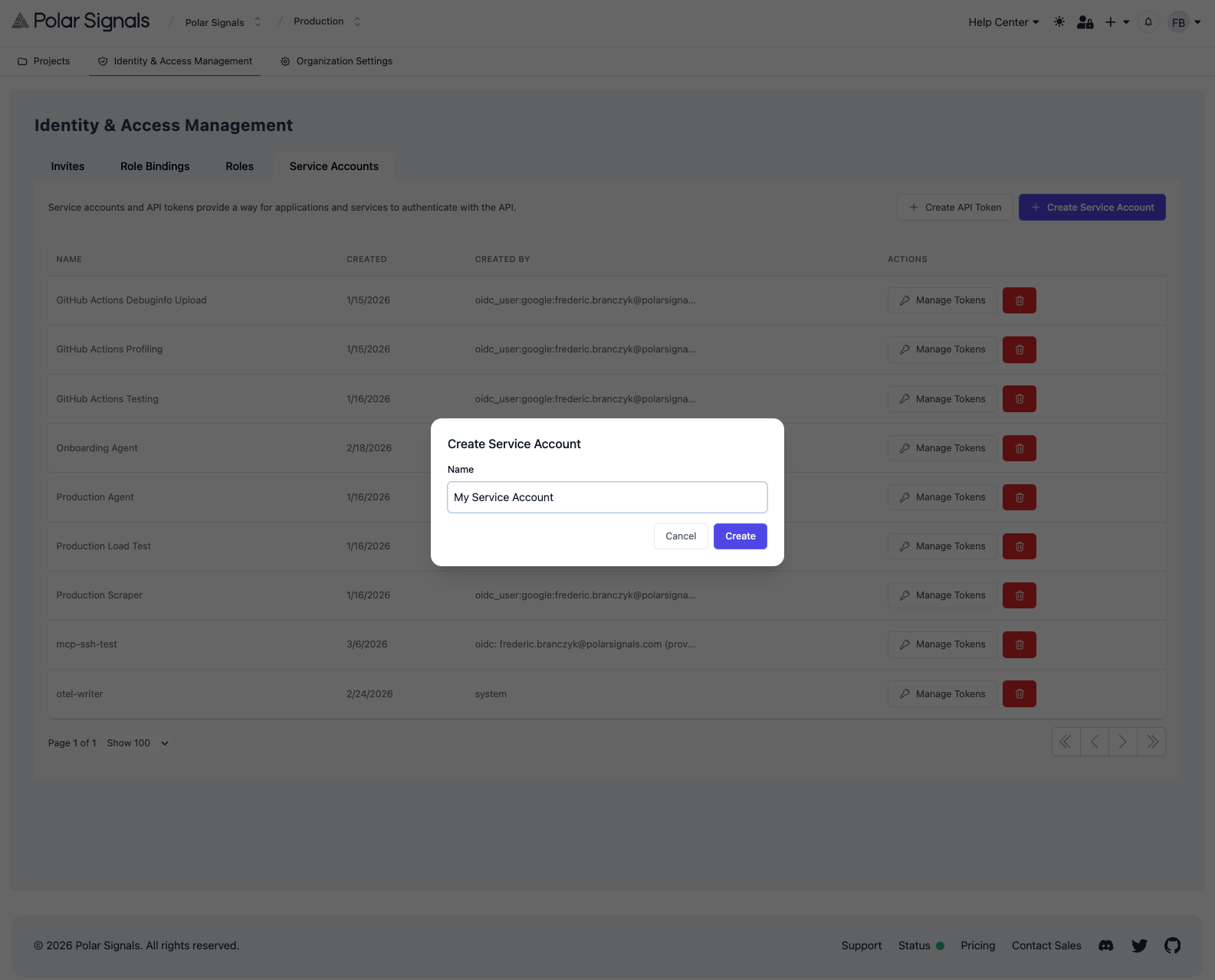
1. Create a Service Account
- Go to your organization settings
- Navigate to Identity & Access Management > Service Accounts
- Click Create Service Account
- Enter a descriptive name (e.g.,
production-agent)
2. Create a Role Binding
- Go to Identity & Access Management > Role Bindings
- Click Create Role Binding
- Select your new service account as the subject
- Select the Writer role
- Optionally, scope the binding to a specific project
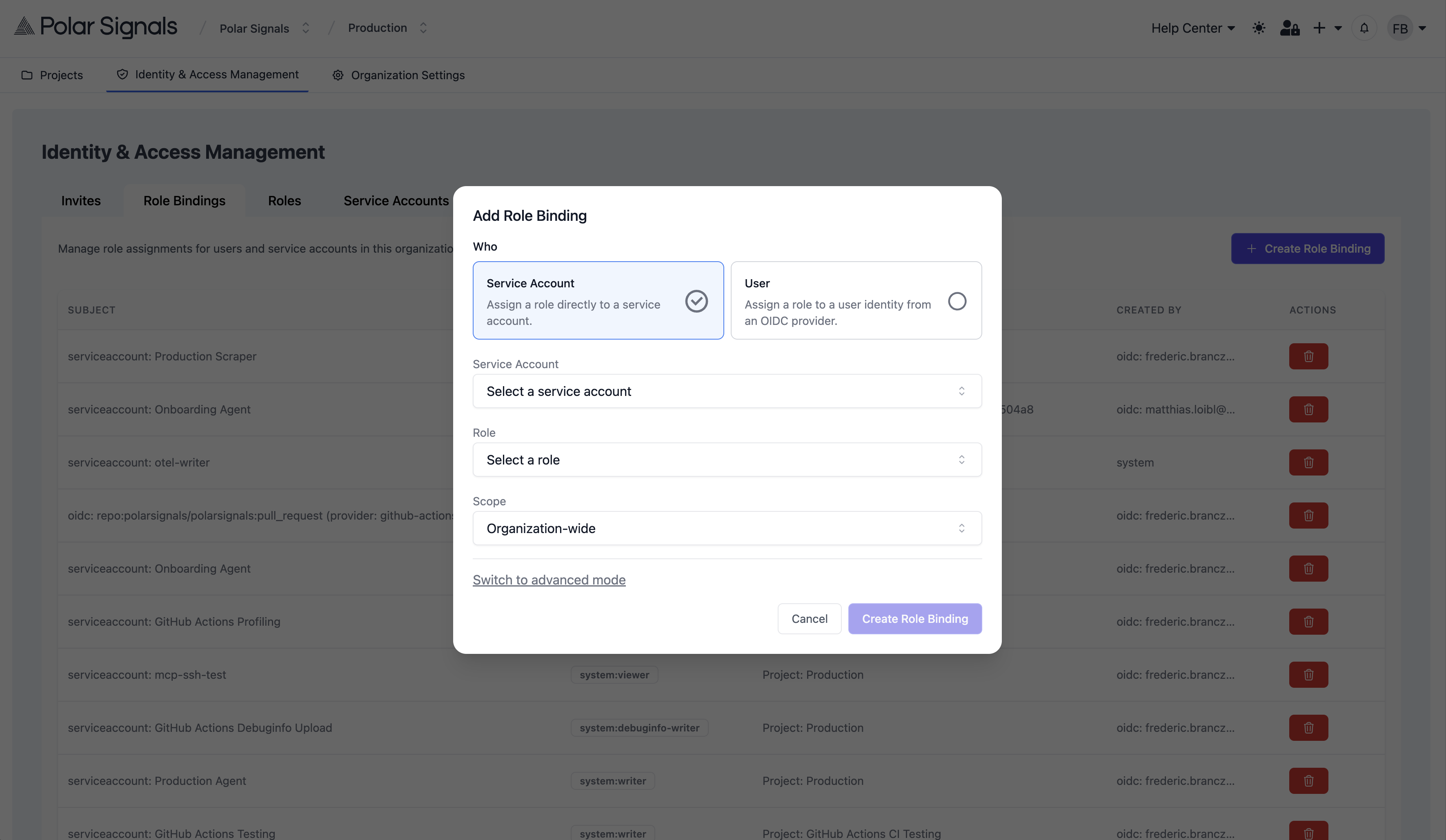
The Writer role grants data.write and debuginfo.write, which is what agents need by default since they upload both profiling data and debug information extracted from running processes.
If you have explicitly disabled debuginfo uploads on the agent (via --debuginfo-upload-disable), you can use the Profile Writer role instead, which only grants data.write.
3. Generate a Token
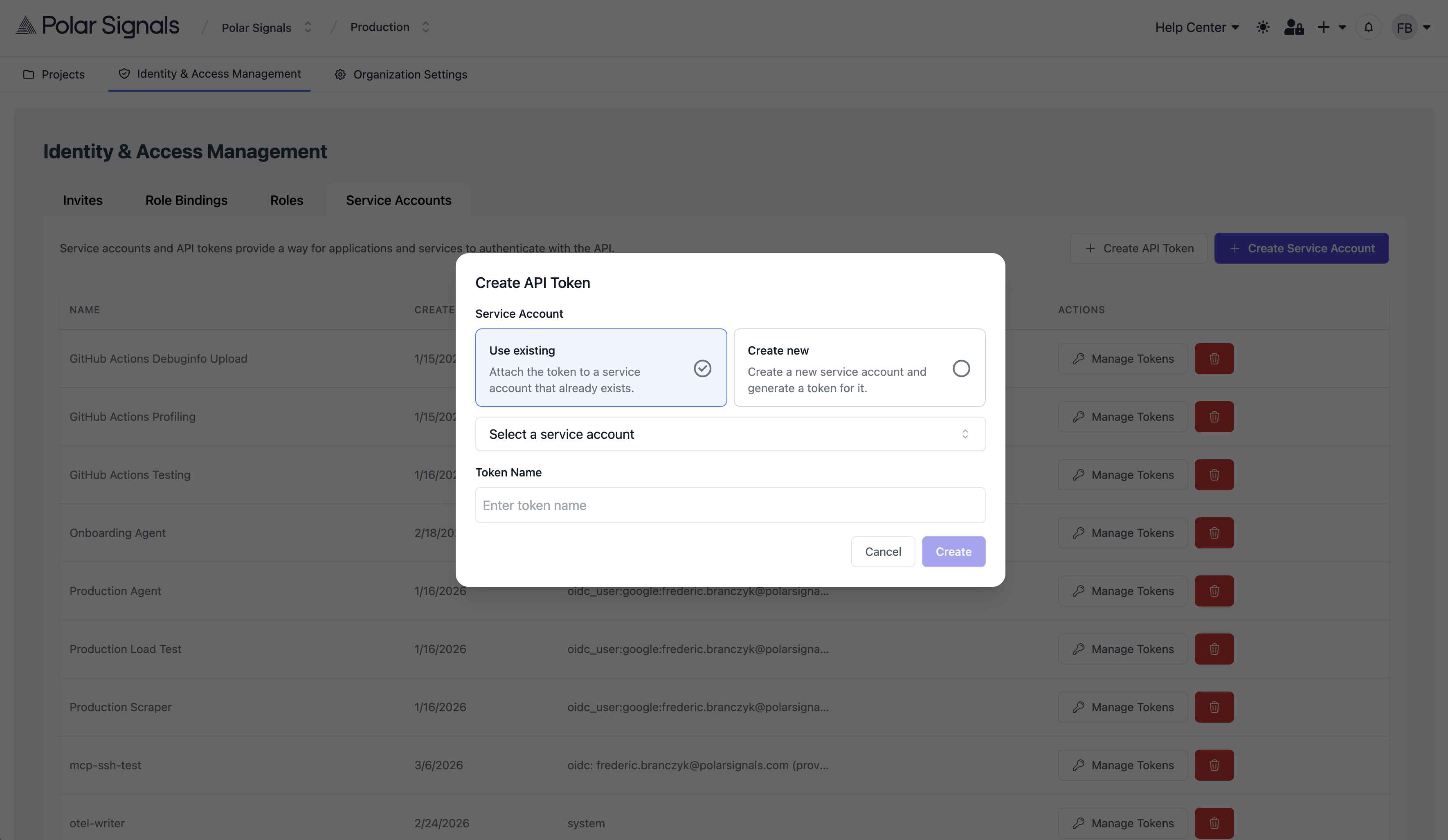
- Go to Identity & Access Management > Service Accounts and click on the "Create API Token" button.
- You can either use an existing service account or create a new one specifically for the agent. If you create a new service account, make sure to assign it the appropriate role bindings as described in Step 2.
- Enter a descriptive name for the token
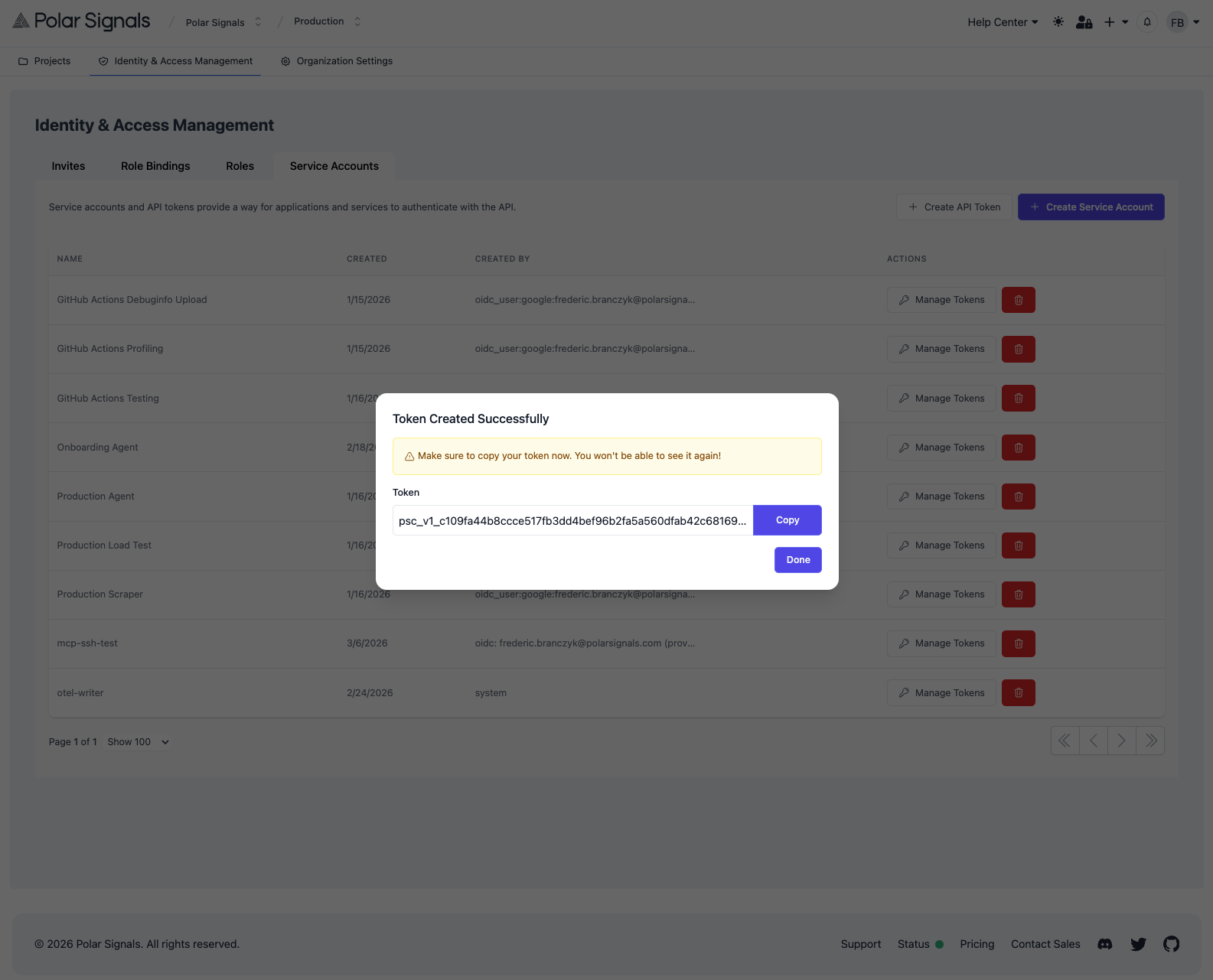
- Click Create Token
- Copy the token immediately — it is only shown once
4. Update Your Agent Configuration
Replace the old project token with the new service account token and add the projectID header. The two key flags are:
- Token:
--remote-store-bearer-token(or--remote-store-bearer-token-filefor file-based) - Project ID:
--remote-store-grpc-headers=projectID=<your-project-id>
Find your project ID in your project settings in the Polar Signals Cloud UI.
5. Verify and Revoke
After restarting the agent, verify profiling data is arriving in Polar Signals Cloud. Then revoke the old project token to complete the migration.
See Also
- Generating Tokens — creating service accounts and tokens
- IAM — roles, permissions, and role bindings reference